
Your playlists,
beautifully on your Mac.
Streamora Player opens your own Xtream Codes or M3U playlist with live TV and guide, movies, series and Picture in Picture, in a fast, native macOS app.
7 days free, no account and no card needed.
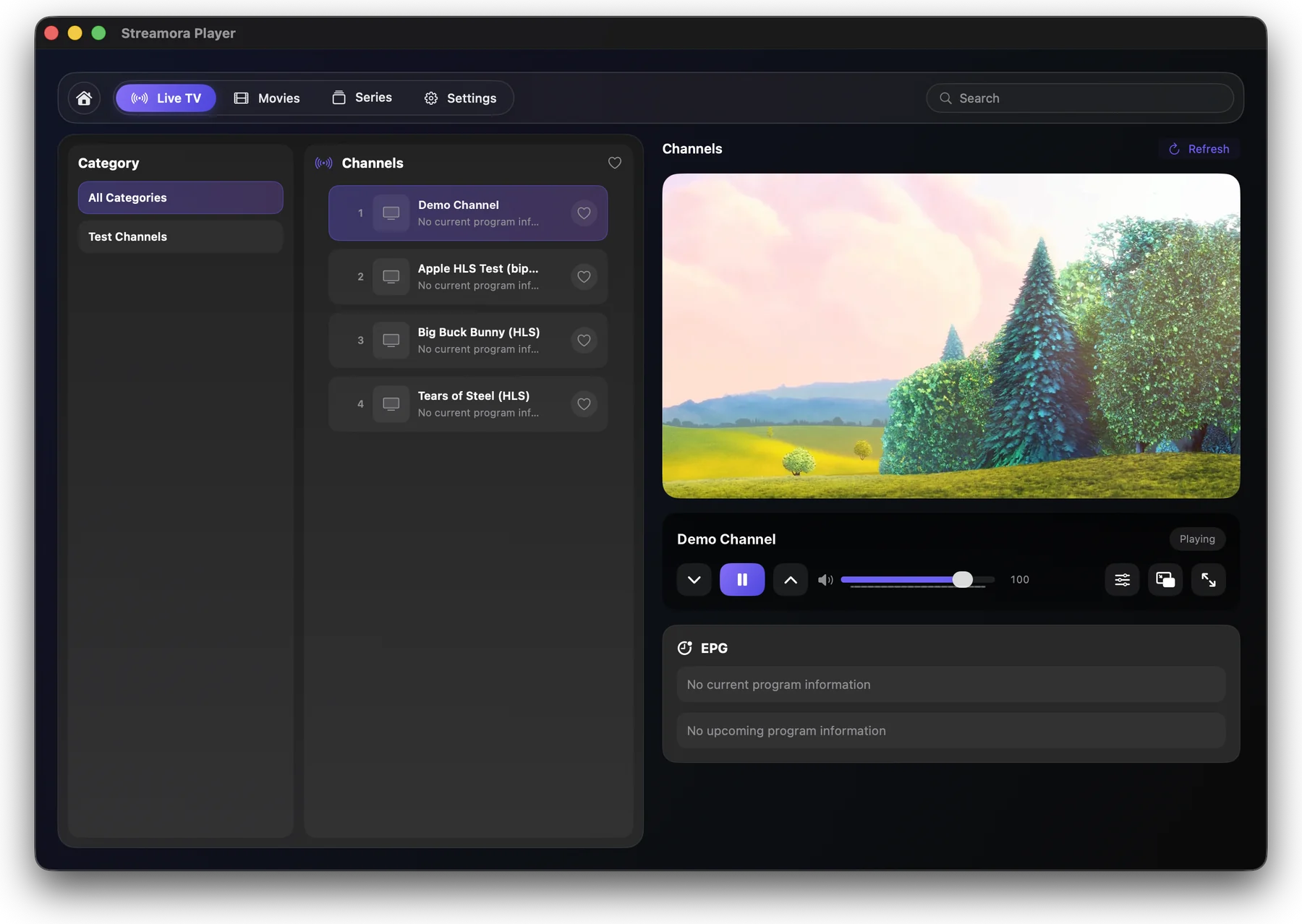
Everything in one player
Made for watching, not for fiddling.
Xtream Codes & M3U
Sign in to your panel, paste an M3U / M3U8 address or open a file. Several playlists, switch in one click.
Live TV with guide
Categories, favourites, now and next from the EPG, channel up / down from the keyboard.
Movies & series
Posters, details, seasons and episodes, with a category column like on Live TV.
Picture in Picture
Keep watching in a small floating window while you work in other apps.
Native macOS
Glass sidebar, light and dark mode, menu bar commands and shortcuts (Space, ← →, F, P).
English, Türkçe, Deutsch
The whole app in your language, switchable in Settings.
How it works
Try first, pay once you like it.
-
1
Download
Install Streamora Player on your Mac. It starts a free 7-day trial by itself, no sign-up.
-
2
Add your playlist
Use your own Xtream Codes login or M3U list. Streamora contains no channels or content.
-
3
Activate
Buy a licence for the device code shown in the app. Card and crypto payments activate it within seconds.
A look inside
Streamora Player 2.0 with a playlist added.
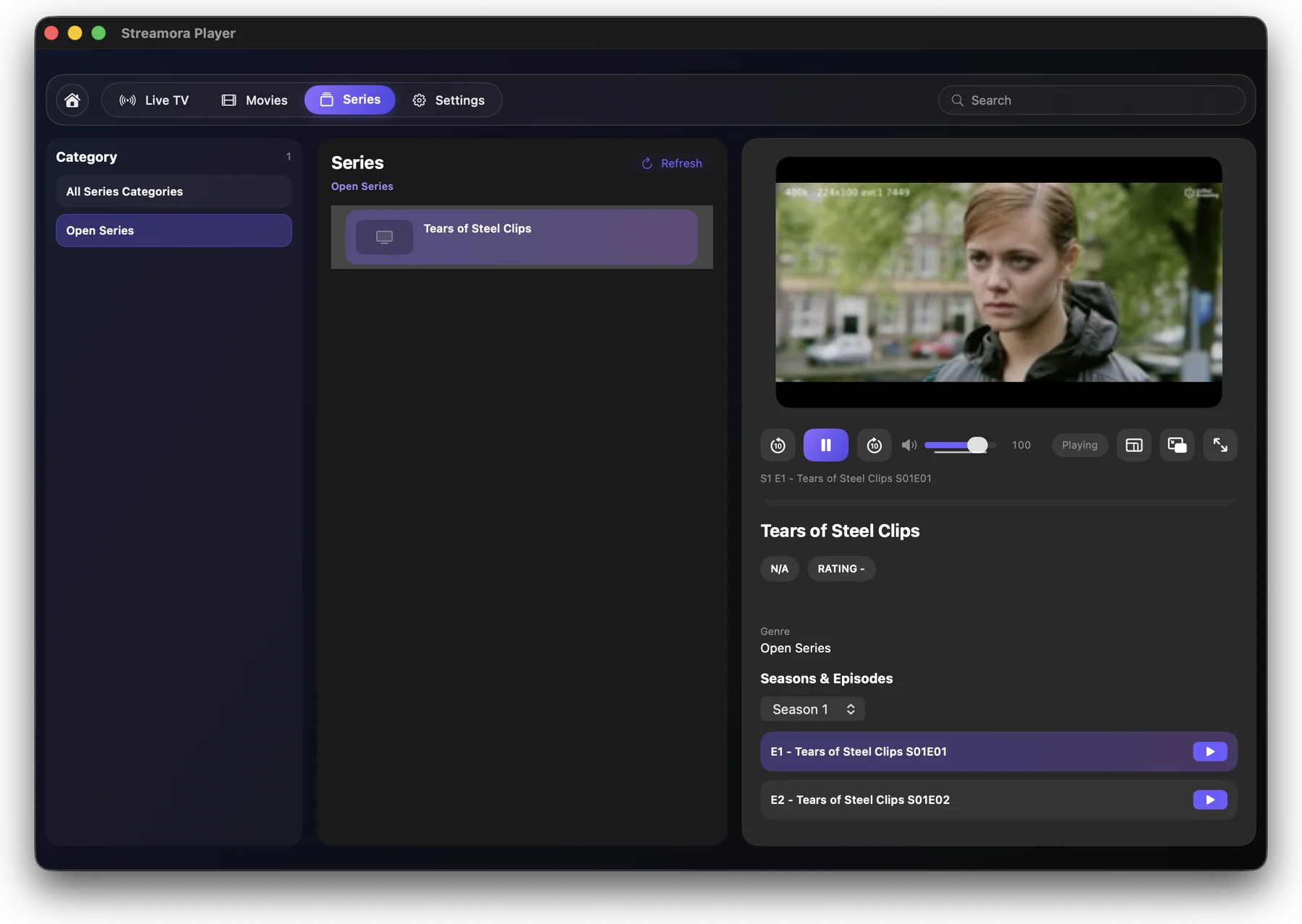
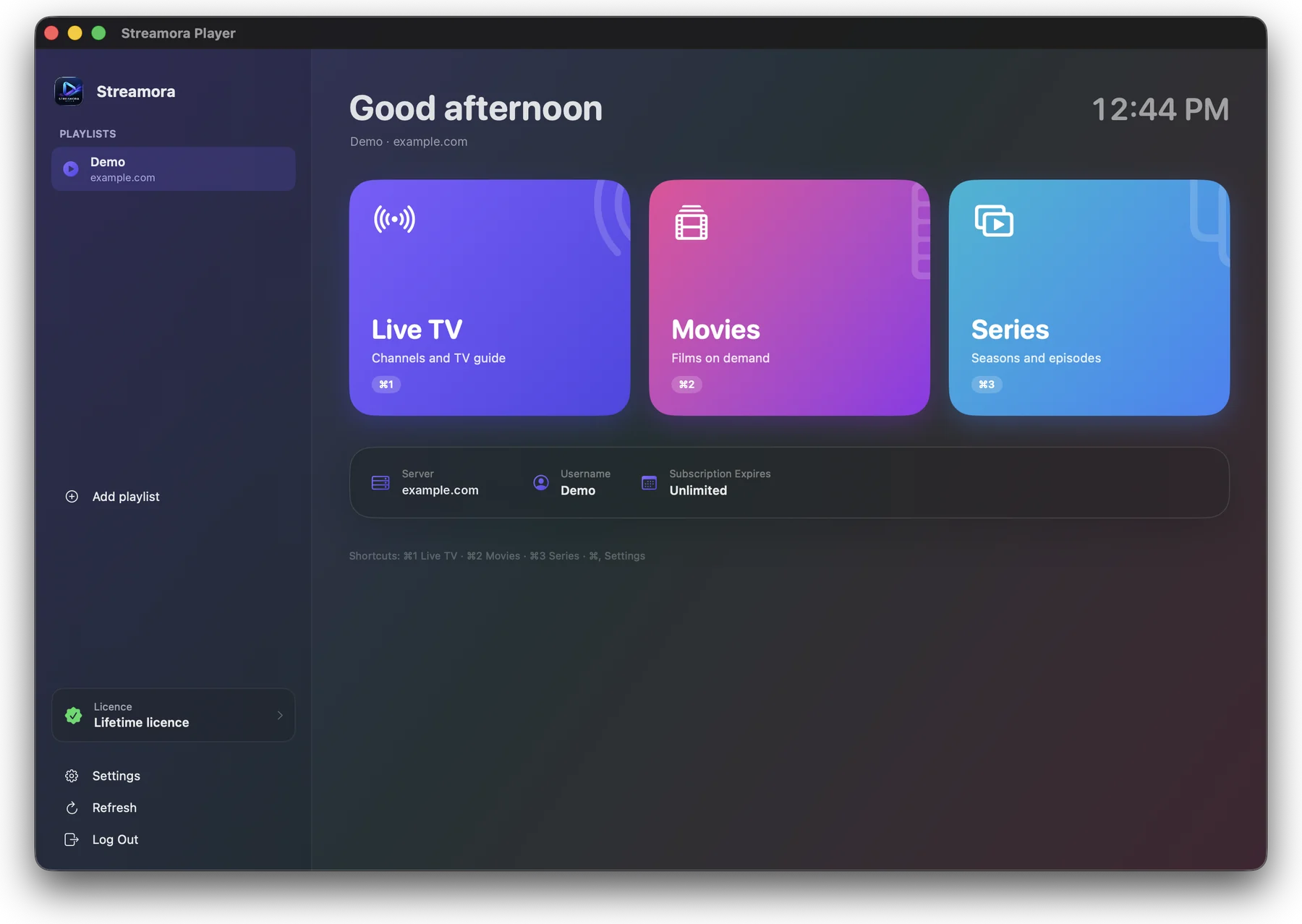
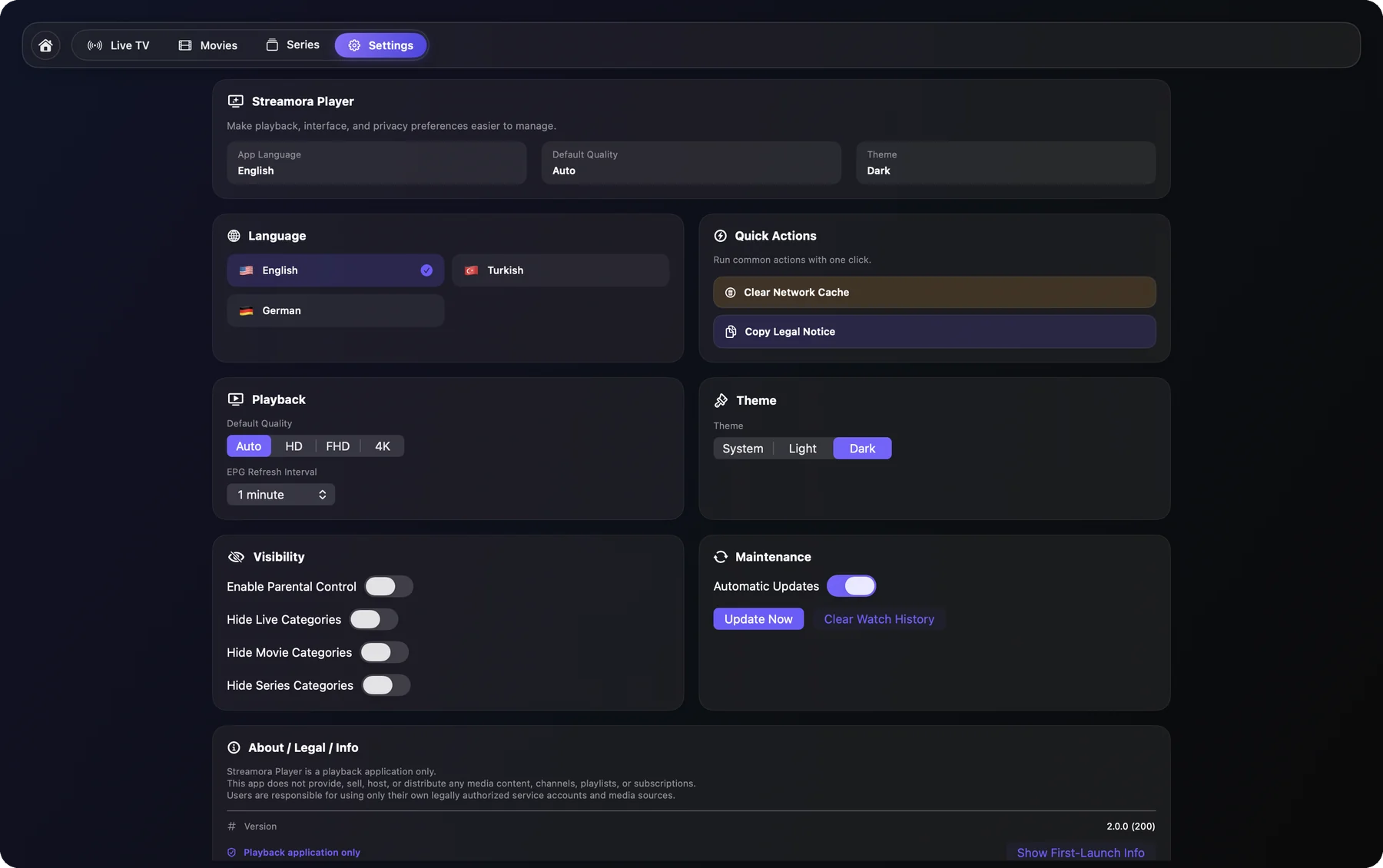
Shown with a demo playlist. Big Buck Bunny and Tears of Steel © Blender Foundation, CC BY. Streamora contains no channels or content.
Questions and answers
Does Streamora include channels?
+
No. Streamora Player is a player only. You add your own legal Xtream Codes login or M3U playlist from your provider.
Which Macs are supported?
+
Every Mac with macOS 14 Sonoma or later, Apple silicon and Intel. Windows, iPhone, iPad and Android versions are in development.
How does the free trial work?
+
Download the app and add your playlist: the 7-day trial starts automatically. No account and no card needed.
What does a licence cost?
+
A 1-year licence or a one-time lifetime licence for one device. You pay by card, Apple Pay, Google Pay or crypto and the app is activated within seconds.
I have a new Mac. Can I move my licence?
+
Yes. Sign in on the My device page with your licence key and e-mail, then enter the device code of the new Mac.
Can I add a playlist from my phone?
+
Yes. Open My device → Playlists on any browser, sign in with the device code and device key from the app, and add your Xtream Codes or M3U playlist. The Mac loads it automatically.
One licence, one Mac.
8 € for a year or 16 € once for lifetime. Move it to a new Mac yourself on the “My device” page.
Streamora Player is a software player only. You need your own legal provider account or playlist. We do not sell channels or media content.